
A Zepbound tracker for shots, weight, and meals
A shot log tells you when an injection happened. A weight entry tells you what the scale showed that day. Keeping them together makes your records easier to review without pretending one explains the other.
The short answer
Use a Zepbound tracker to record your actual injections, optional injection sites, and dated notes. Add weight with an explicit unit and food entries if useful. Keep your prescribed plan separate from completed shots.
Record the product you were prescribed
Zepbound contains tirzepatide; the manufacturer publishes its US prescribing information and safety details. Choose the exact product in the tracker and follow the plan your prescriber gave you.
The tracking catalog is not a guide to eligibility or product substitution. This page supplies a recording workflow, not a dose schedule, pen-use tutorial, or recommendation to start treatment.
Make weight entries comparable
Write the date and unit with a weight entry. Pounds and kilograms are not interchangeable labels. If you move old entries from paper, check the unit on the original record rather than assuming it matches your current phone settings.
Keep a measured entry separate from a goal. A single weigh-in is one observation, not proof of the effect of a particular shot. Do not use a change on the scale to adjust your medication.
A short weekly record to review
- The exact medication and prescribed amount, with its unit.
- The actual injection date and time, not just the reminder date.
- The injection site, if you want that detail in your history.
- Dated weight entries with pounds or kilograms stated.
- Food and wellbeing notes you want to discuss at an appointment.
You can keep this checklist on paper. Our injection log includes a blank printable sheet and a CSV download; it does not prefill a Zepbound dose.
Use food and symptom entries as context
A note such as “ate less lunch than planned” preserves a different detail from a calorie estimate. If you keep a food diary, record what you actually ate and review the portion and ingredients behind an estimate.
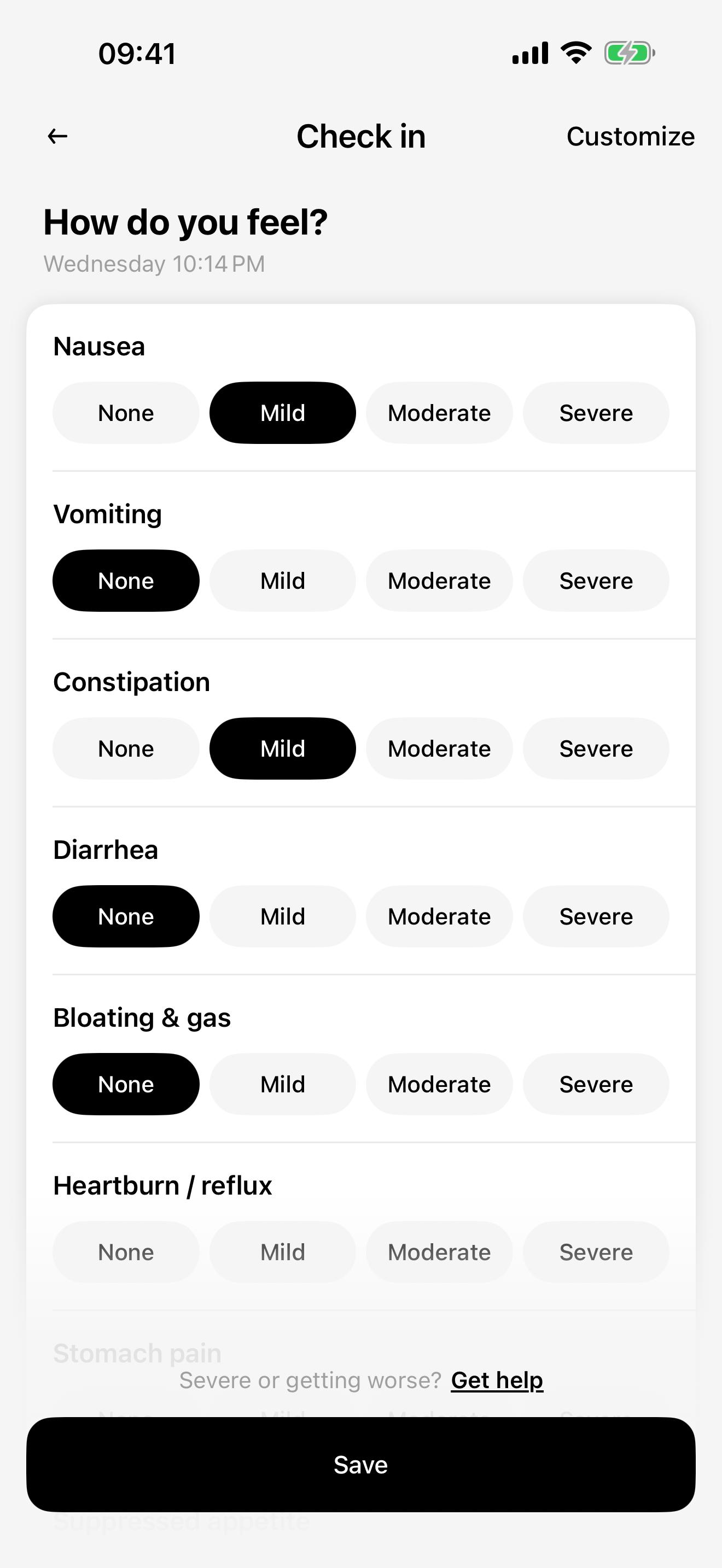
CalZen brings medication records, check-ins, food and weight into one app. It does not establish why your weight or symptoms changed. Take questions about medication, a missed dose, or symptoms to your prescriber or pharmacist rather than relying on a chart.
Questions about this record
Can I use a Zepbound spreadsheet instead?
Yes. The linked CSV is a blank personal log you can open in a spreadsheet app without signing up. It does not calculate doses.
Does CalZen predict how much weight I will lose?
This workflow makes no prediction about your results. Demo screenshots and your own past entries are not a promise of future weight loss.
Keep your records with CalZen
Medication records, wellbeing, food and weight in one app for iPhone and Android.


Available for iPhone and Android. Features and purchase options may vary by app version and region. Check the app for current access and pricing.