
Saxenda tracker: your daily shot log
A reminder for today does not tell you whether yesterday’s shot was recorded. When you add an entry later, keep the planned time separate from the time you can actually confirm.
The short answer
Start with your prescription, keep a dated record of confirmed events and check for an existing entry before adding another. An empty day is missing information; the tracker cannot decide whether you took medication.
Download the blank daily shot log — CSV ↓
Use the instructions for your own product
Saxenda contains liraglutide. Its US prescribing information describes an injectable product with daily administration. That identifies the product; it does not supply an individualized plan for you.
Record the schedule your prescriber gave you. Do not copy a schedule from a different GLP-1 medicine or use someone else’s diary to choose an amount. If your instructions are unclear, ask your prescriber or pharmacist.
Separate three dates that can be easy to confuse
| Date or time | What it means |
|---|---|
| Planned time | What your saved plan says should happen. |
| Actual event time | When you can confirm the injection happened. |
| Entry time | When you opened the diary to add or correct the record. |
If you enter an event the following day, check the selected date rather than accepting the date you opened the app. The CSV has separate columns for planned and actual times.
Before adding a second entry, check the first
Look for an existing record of the same event. A note written on paper and an app entry may refer to one injection, not two. Compare the actual date and the details you know before correcting anything.
If you cannot confirm what happened, keep that uncertainty visible. A short note such as “event time unconfirmed” preserves the question for your care team.
A notification is a prompt to check your records
Opening or dismissing a phone alert does not establish that you took medication. Check your saved plan and your actual history, then record confirmed events.
The app workflow is shared on iPhone and Android. If an alert is missing, check the CalZen reminder switch and the phone’s notification permission. The linked reminder guide explains the system settings without changing your medication plan.
Bring specific gaps or changes to the visit
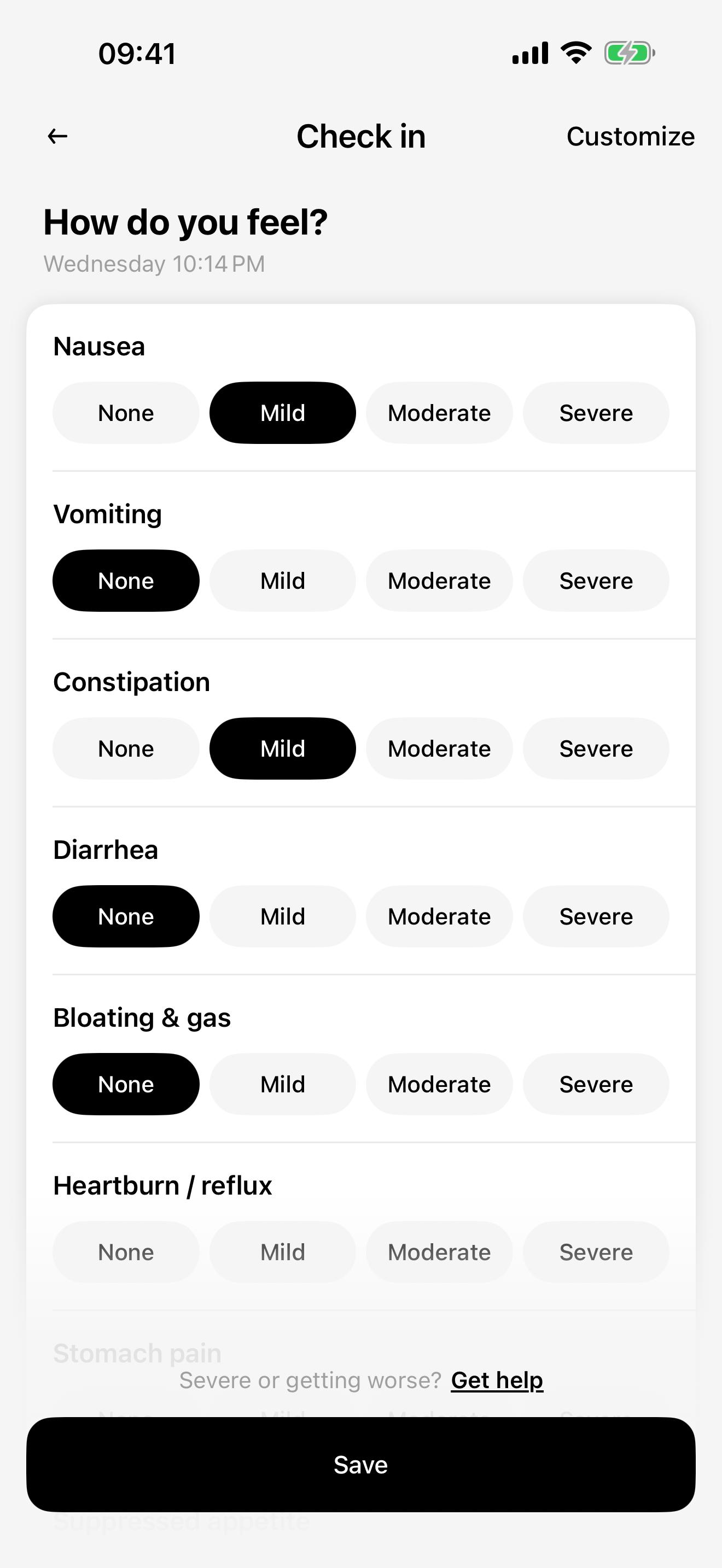
Choose the period relevant to your question and find entries that were corrected, added later or left uncertain. Keep dated wellbeing notes in your own words instead of assuming why a symptom occurred.
This log does not determine what to do about a missed dose or whether to change or continue treatment. Follow the official information for your prescribed product and seek advice from your prescriber or pharmacist.
Use the blank file or keep entries in the app
The CSV is a separate worksheet with empty rows. Save it without signing up, fill it in yourself and keep it where you choose. It does not send your answers to this website or automatically import records into CalZen.
CalZen offers personal records and reminders alongside food and weight. This page links to US product information; a familiar brand name does not establish that every market has the same presentation or instructions.
Questions about this record
Can a blank day tell me that I missed a dose?
No. It may mean the event was not recorded. The log cannot resolve that uncertainty or prescribe a medication action.
Does the daily template include a starting dose?
No. It has blank fields. Use the instructions from your own prescription and official product information.
Keep your daily records in CalZen
Review your medication history alongside reminders, meals, weight and wellbeing notes.


Available for iPhone and Android. Features and purchase options may vary by app version and region. Check the app for current access and pricing.