
Prepare your GLP-1 records for a doctor visit
You have several weeks of entries and a short appointment. Start with the question you need answered, then choose the records that help explain it. You do not have to turn every entry into a report.
The short answer
Write down your main questions, your current medication list and the dates or observations relevant to them. Keep prescribed plans separate from what actually happened. Bring the original records so you can check details together.
Download the blank appointment worksheet (CSV) ↓
Put your main question at the top
The NIH recommends preparing questions and keeping access to your records. Choose the issue you most want to discuss, then write a short prompt in your own words.
For example: “My entries are incomplete on these dates. What information would help you review them?” is more useful than a page labeled “progress.” Include concerns that matter to you, even when you do not have a number or a chart for them.
Bring a complete list, not only the tracker screen
Write down the exact name and form of your prescribed GLP-1 product, the current instructions you were given, and any changes you need to clarify. Keep the product label or prescription available if you are uncertain about the name.
Your CalZen catalog is not a complete list of every medicine you take. Prepare other prescriptions, over-the-counter medicines, vitamins and supplements separately, and note allergies or relevant information you want your clinician to know.
Separate a fact from an interpretation
| Less useful note | More useful record |
|---|---|
| “I definitely missed it because there was no entry.” | “There is no entry for October 20. I am not sure what happened.” |
| “The shot caused everything in this chart.” | “This change was noted on October 21; the recorded injection date was October 20.” |
| “My food intake was zero that day.” | “No food was logged that day, so the total is incomplete.” |
Dates can help you explain a sequence without establishing its cause. Mark uncertain details honestly. Preserve the original notes rather than rewriting them to fit a conclusion.
Choose records that answer the question
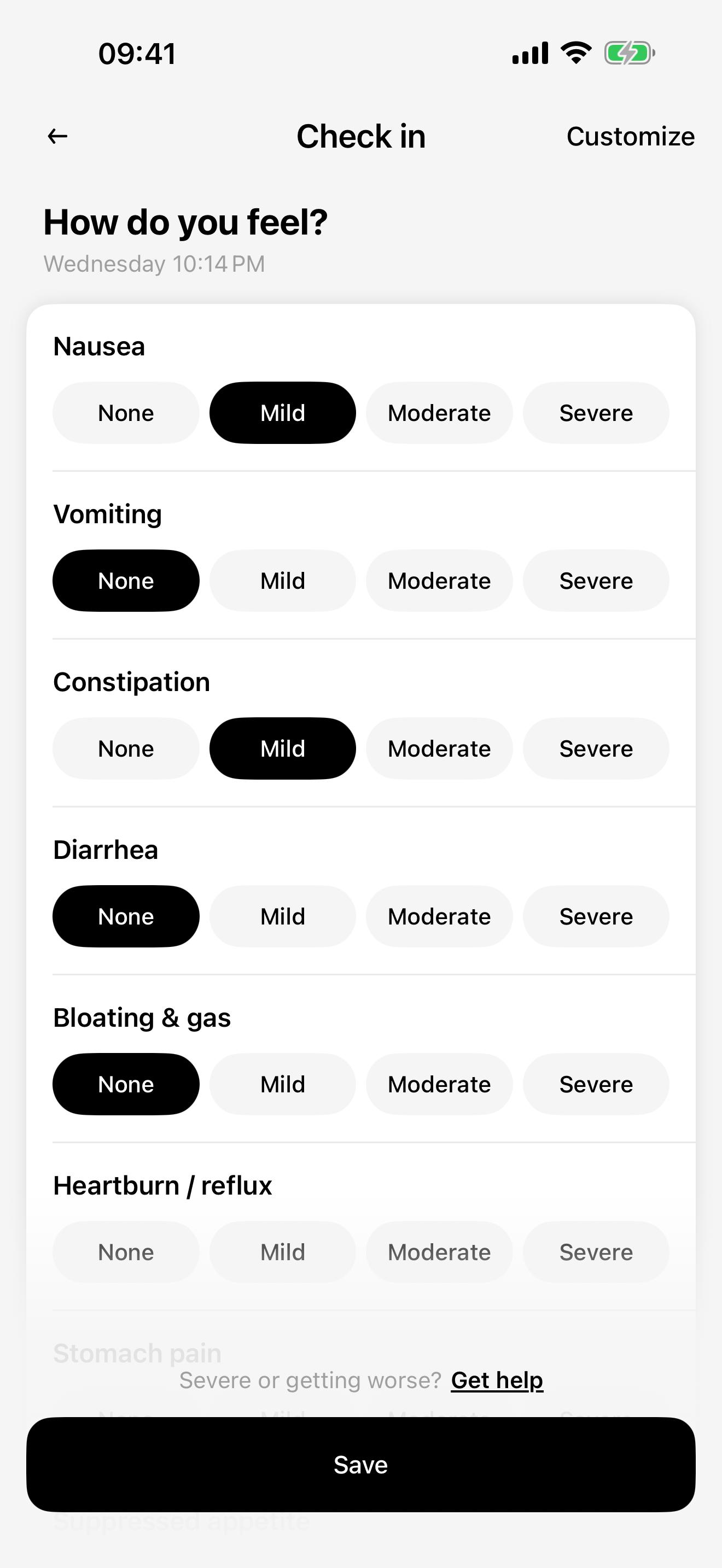
If your question concerns food, find the relevant meal entries and note missing days or estimated portions. For wellbeing, select the dated notes that describe the change in your own words. For weight, retain the date and unit instead of copying an isolated number.
Use the period relevant to your discussion rather than a universal “required” number of days. You can open CalZen during the appointment or copy selected facts into the blank sheet. No automatic clinical report or PDF export from the app is required.
Leave room for what you learn
The printable sheet includes a space for instructions and follow-up. During the visit, ask about anything you do not understand and note how to contact the care team with later questions.
Afterward, check any app plan changes against the instructions you were actually given. Keep historical entries separate from a newly agreed plan; editing a previous date is not a way to document a new prescription.
Use the worksheet without uploading your diary
The print sheet and CSV are blank downloads. Fill them in on paper or in your own file. They do not collect your answers on this website and do not retrieve records from CalZen.
Decide which personal details you want to share directly with your healthcare professional. If a concern needs attention before a scheduled appointment, contact the appropriate care service rather than waiting to finish a worksheet.
Questions about this record
Do I need to print every entry?
No. Start with your questions and select the records that help explain them. Keep the original diary available for details.
Will CalZen generate this clinical report automatically?
This page provides a separate blank worksheet. You review your own app records and choose what to write; an automatic clinical report is not promised.
Keep your records with CalZen
Medication records, wellbeing, food and weight in one app for iPhone and Android.


Available for iPhone and Android. Features and purchase options may vary by app version and region. Check the app for current access and pricing.