
An Ozempic log with the details kept intact
A useful Ozempic log preserves the product you were prescribed and what you actually took. It should not turn a brand name, a screenshot, or an empty calendar day into a dosing decision.
The short answer
Record the exact product and form, the actual date and time, and the amount with its unit. Keep food or symptom notes separately dated. CalZen records these details; it does not prescribe Ozempic or calculate pen clicks.
From your packaging to your record
Check the product name and form on your prescription and packaging. The manufacturer publishes separate US product information for injection and tablet forms. Select the matching position rather than assuming every Ozempic entry means the same thing.
A tracking catalog does not establish eligibility, approved use in another country, or an equivalent dose across forms. If the prescription and packaging are unclear, ask your pharmacist or prescriber before entering a plan.
A log checklist that also works on paper
- Exact brand and form.
- Actual medication date and time.
- Amount taken and the explicit unit.
- Optional injection site for an injection record.
- Separately dated observations and questions.
For injections, use the linked blank log if you prefer paper or a spreadsheet. No dose is prefilled. Do not copy an amount from a demonstration screen.
The record is not a pen calculator
Keep the unit as part of the amount, not as an afterthought. This page and its template do not convert milligrams to milliliters, units, or pen clicks. They do not tell you how to split a product or use a different presentation.
If you missed a dose or cannot remember whether you took one, a blank row cannot answer what to do next. Contact your prescriber or pharmacist rather than guessing from a reminder.
Where CalZen fits
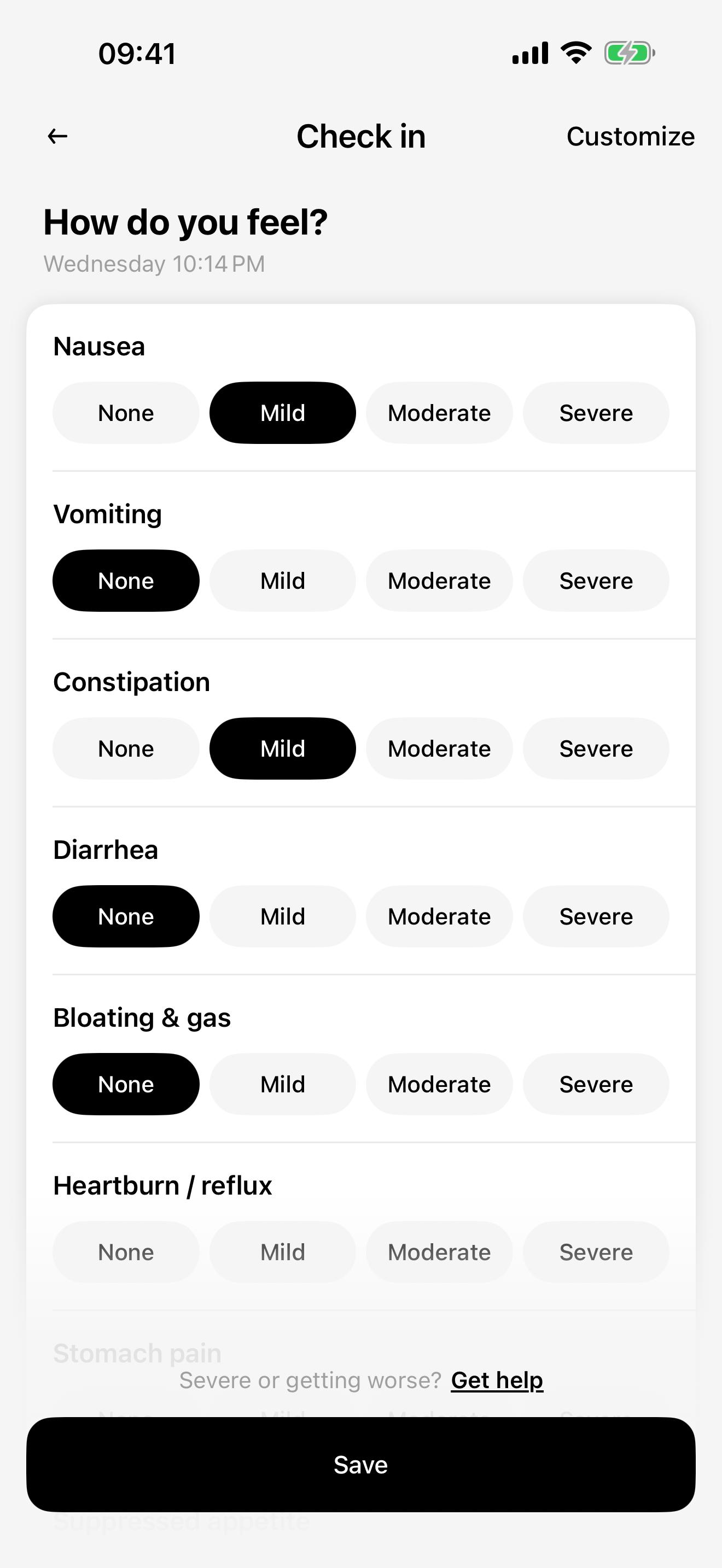
CalZen keeps your medication records, reminders and wellbeing entries with food and weight. A dated food note may help you remember what was happening that day, but it does not diagnose a reaction or establish a cause.
The website injection template is free to use without an account. This does not promise free access to every app feature: current app access and purchase options are shown in the product. Read the Privacy Policy before enabling optional integrations.
Questions about this record
Is this an official Ozempic app?
No. CalZen is an independent personal tracking app. It does not sell medication or replace the manufacturer’s instructions.
Can a food tracker tell me whether to change my medication?
No. Food and weight entries are personal records, not a medical assessment or a reason to adjust treatment.
Keep your records with CalZen
Medication records, wellbeing, food and weight in one app for iPhone and Android.


Available for iPhone and Android. Features and purchase options may vary by app version and region. Check the app for current access and pricing.